Weglot
Weglot is a no-code translation app that adds machine-translated, editable language versions to Shopify and WooCommerce stores.
Updated Jun 2, 2026Prices checked May 24, 2026
Weglot is a no-code translation app for Shopify and WooCommerce stores. It machine-translates the storefront, serves each language on its own URLs with hreflang tags, and gives non-technical staff a visual editor to fix translations. Pricing is based on word count, and the Starter plan's 10K-word cap covers a homepage and a few key pages, not a full catalogue.
What Weglot does
Weglot installs as a Shopify or WooCommerce app. It scans the storefront, machine-translates the content, and serves translated pages on separate language URLs (for example /fr/, /de/, /es/) with hreflang tags. The workflow has two layers: machine translation by default, plus an editor for refining specific strings such as homepage headlines, product names and copy where brand tone matters. Translated URLs can be crawled by Google like any other page.
Main features
Install from the Shopify App Store
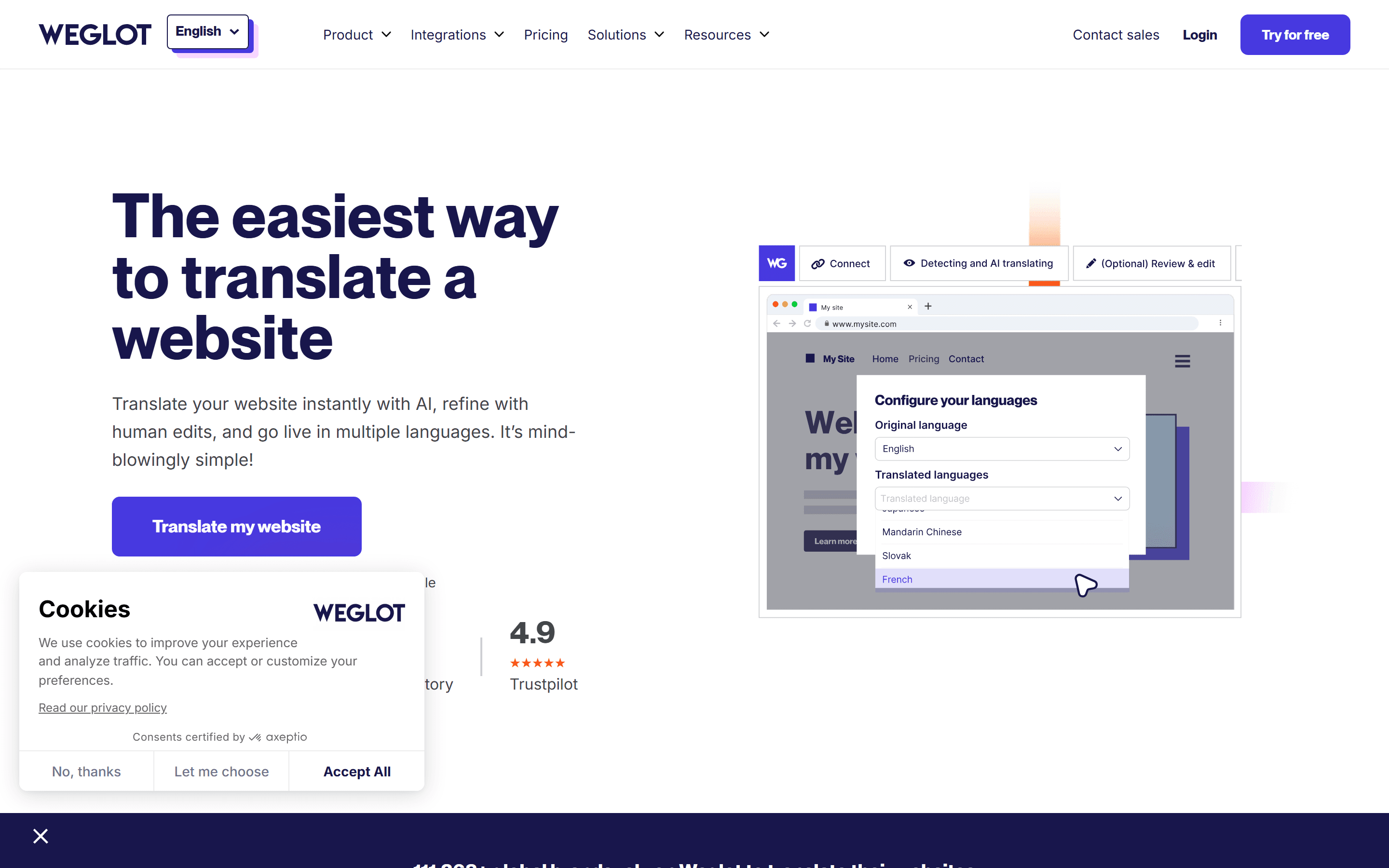
You install the app, pick a target language, and Weglot starts translating automatically. No theme changes or developer work are needed to get a first translated version.
Language URLs with hreflang
Translated pages get their own language URLs, and hreflang tags are added automatically. Google's multilingual guidelines describe separate URLs per language with hreflang as a supported setup. Weglot can use subdirectories or subdomains depending on the platform and configuration, so confirm which one applies to your store before launch.
Visual editor
Staff can edit translations on the rendered page instead of in spreadsheets or CSV exports. The editor shows the live page with translations on top, and clicking a string opens an edit panel. This makes it easier to spot text that reads fine on its own but breaks the layout or loses context on the page.
Translation rules and glossaries
You can set translation rules (for example, always translate "Free shipping" as "Livraison gratuite", never translate the brand name) and glossaries that apply across all translated pages. For brands with a strict tone-of-voice guide or technical terms that must stay consistent, this lets you fix wording once instead of page by page.
Who it suits
Weglot suits Shopify and WooCommerce stores that want to add a second language without a development project. It works well for content-led teams, because the visual editor lets non-technical staff handle translations themselves.
It's not built for stores that need separate prices, currencies and inventory per locale. For that, Shopify Markets or a headless setup fits better. Weglot can sit on top of Markets to handle translation, but it doesn't manage locale-specific pricing or inventory.
Pricing
Starter is $17/mo (10K words, 1 language). It's enough for a homepage and a few key pages, not a full catalogue. Business is $49/mo (50K words, 3 languages) and suits stores adding one or two languages. Higher plans raise the word and language limits for larger catalogues and more markets. Check the current numbers on Weglot's pricing page.
Product descriptions, FAQs and policy pages all count toward the word total. A store with many pages, including low-traffic ones, can outgrow Starter and move up the plans quickly.
Alternatives
Two common alternatives are Shopify Markets and headless localisation.
Shopify Markets is Shopify's built-in option for locale-specific pricing, currency and inventory. It covers the operational side Weglot doesn't. Its translation tools are more limited, and Weglot can be added on top for the translation layer.
Headless localisation (separate codebases or theme forks per locale) gives full control but takes far more developer time. It makes sense once a store has proven demand in several markets and wants to tune each storefront separately.
The choice depends on what you need. If the goal is a translated storefront this quarter, Weglot is the simplest route. If the goal is separately optimised stores per locale, Markets or headless is the long-term setup, with Weglot or a similar tool handling translation.
Where to start
Starter at $17/mo on monthly billing is a low-cost way to test the install and translation quality on your homepage and a few key pages. Before launching in a real market, budget for Business at $49/mo. Starter's 10K-word cap won't cover a full catalogue, and it's easier to plan for that up front than to hit the limit mid-launch.
Plans and prices
- 10k words
- 1 language
- 50k words
- 3 languages
Prices checked on May 24, 2026. Vendors change plans often, so confirm on the official pricing page before you buy.
Common questions
Is Weglot SEO-friendly out of the box?
Weglot serves translated pages on their own URLs, such as /fr/, and adds hreflang tags so search engines can match language versions. Whether you get subdirectories or subdomains depends on your platform and setup, so check which one your store uses before launch.
Does Weglot handle dynamic content from Shopify apps?
Text rendered by JavaScript in some custom apps or themes may need manual translation rules. Testing on a staging store before launch is a practical way to catch these cases.
Can machine translations be edited after install?
Yes. Every machine-translated string can be edited in the Weglot dashboard or in the visual editor on the live page. The homepage and best-selling product pages are a sensible place to start.
Where to start
Starter at $17/mo covers one site under 10K words and one extra language. Move to Business at $49/mo when you add a second or third language or go past 10K words.
We may earn a commission if you buy through this link.
About the links on this page
Some links on this page are affiliate links. If you sign up through them, the vendor may pay us a commission. The price you pay stays the same. How we handle affiliate links