AdCreative.ai
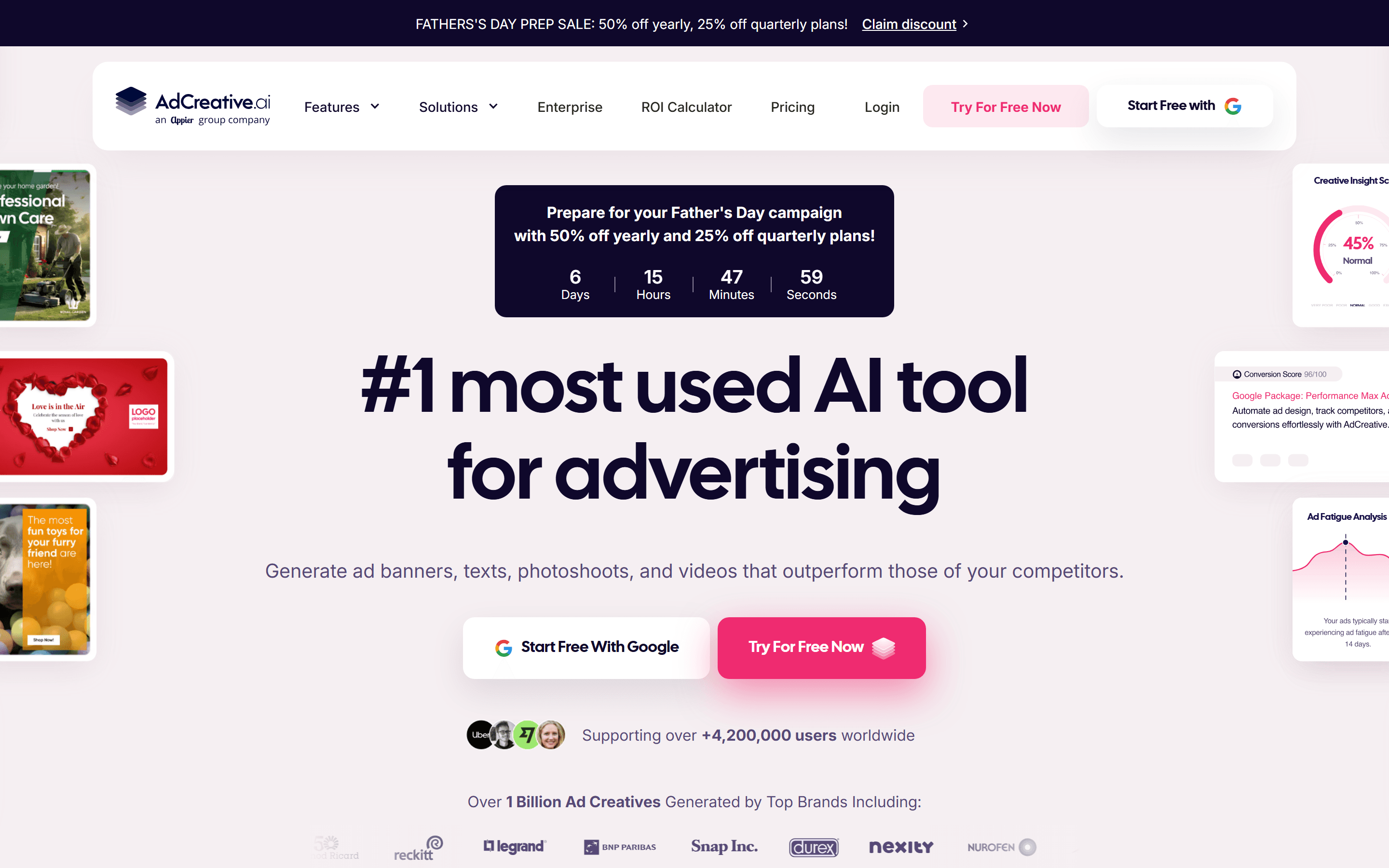
AdCreative.ai generates batches of static ad creatives from a brand kit and gives each one a predicted-performance score.
Updated Jun 2, 2026Prices checked May 26, 2026
AdCreative.ai generates static ads from a brand kit, scores each one with a performance prediction, and connects to Meta Ads and Google Ads. It's aimed at teams that need more creative volume than their designers can produce. Reviews on third-party sites also mention a few issues worth knowing before you subscribe: billing and refunds, limited editing, and templates that start to look alike.
What AdCreative.ai does
You give it a brand kit (logo, colours, fonts, brand voice) and a website URL. It scans the site and generates batches of static ad concepts in common Meta and Google Ads sizes. Each creative gets a predicted-performance score from Creative Scoring AI. The ad-platform integrations send approved creatives to your Meta and Google Ads accounts, so you don't have to download and re-upload them.
Main features
Batch generation
Point the tool at a website or upload a brand kit, and it returns a batch of static ad concepts across common sizes within minutes. The variants follow the brand kit but rotate templates, copy hooks, hero images and calls to action. This is most useful if you can say how many new variants you need each week and can't produce them now.
Creative Scoring AI
Every creative gets a predicted-performance score. The vendor says the model has "over 90% accuracy", which is a marketing claim rather than an audited number. It's reasonable to use the score to drop the weakest variants in a batch before launch. It isn't a substitute for your own A/B tests.
Competitor Insights AI
The homepage lists Competitor Insights AI, which looks at competitors' ads and feeds them to the generator as context. Treat it as one input to creative direction, not as the brief.
Meta and Google Ads integration
Approved creatives can be sent straight to Meta Ads and Google Ads. The integration handles the different sizes and formats each placement needs. For accounts that refresh creative every week, this saves the most time.
Who it suits
AdCreative.ai suits DTC teams on Meta and TikTok who go through static creatives every week and want more variants without hiring more designers. It makes the most sense when creative production is the bottleneck.
It's a weaker fit in three cases:
- Video-led accounts. Video generation exists, but static ads are the main use case.
- Brands that need bespoke art direction. Tekpon reviewers mention limited customisation in the editor.
- Accounts where the real problem is targeting or attribution. More creatives won't fix that.
Known issues
Two themes come up in third-party reviews:
- Billing and refunds. Tekpon reviews mention auto-renewal and how billing disputes are handled. If you start a plan, set a calendar reminder before the renewal date and screenshot any credits you were promised.
- Templates look alike. Tekpon reviewers say templates feel similar, and Unite.ai lists originality as a con. Changing colour palettes, copy hooks and hero images helps the output look less generic.
Pricing
Starter is $39/mo (10 credits, 1 brand, 1 user). It works as a low-cost trial. Professional is $249/mo (50 credits, 10 brands, 10 users) and fits a DTC team running weekly creative refreshes. Ultimate is $999/mo (100 credits, 25 brands, 20 users) and is aimed at agencies. Quarterly billing takes 25% off the monthly rate, and annual billing takes 50% off. Before committing to Ultimate, ask sales whether unused credits roll over.
Alternatives
Two tools worth comparing are Pencil and Creatify.
Pencil is another AI ad generator that covers static creatives.
Creatify is video-first. If your bottleneck is video creative rather than static, Creatify is built for that work. It doesn't replace AdCreative.ai for static output.
The choice comes down to which format your account uses most. For static-heavy DTC accounts, AdCreative.ai's batch output and direct push to ad platforms are the main draw. For video-first accounts, Creatify is closer to the job.
Where to start
Start on Starter at $39/mo with monthly billing. That gives you enough credits to check output quality and workflow fit before locking in quarterly (25% off) or annual (50% off) billing. Move to Professional once you have a regular weekly refresh schedule. Until then, Starter is enough.
Plans and prices
- 10 credits/mo
- 1 brand
- 1 user
- All AI assets unlocked
- 50 credits/mo
- 10 brands
- 10 users
- Creative Scoring AI
- 100 credits/mo
- 25 brands
- 20 users
- Agency-grade workflow
Prices checked on May 26, 2026. Vendors change plans often, so confirm on the official pricing page before you buy.
Common questions
Does the Creative Scoring AI predict winners reliably?
The vendor says it has over 90% accuracy. That's a marketing figure, not an independently audited one. Use the score to sort a batch before launch, and keep running your own A/B tests.
Why do reviewers complain about billing?
Reviews on Tekpon mention auto-renewal and how billing disputes are handled. If you start a plan, put the renewal date in your calendar and keep screenshots of any credits you were promised.
Can it generate video ads?
Yes, video generation is listed as a feature. This guide focuses on static output. For video-led accounts, a video-first tool such as Creatify is built for that work.
Where to start
Start with the Starter monthly plan to check output quality before moving to quarterly billing. 10 credits a month is enough to test one brand.
We may earn a commission if you buy through this link.
About the links on this page
Some links on this page are affiliate links. If you sign up through them, the vendor may pay us a commission. The price you pay stays the same. How we handle affiliate links